 Taobao in English
HomeBuying guide
How to buy from Taobao
Choose a buying route and check delivery before you pay.
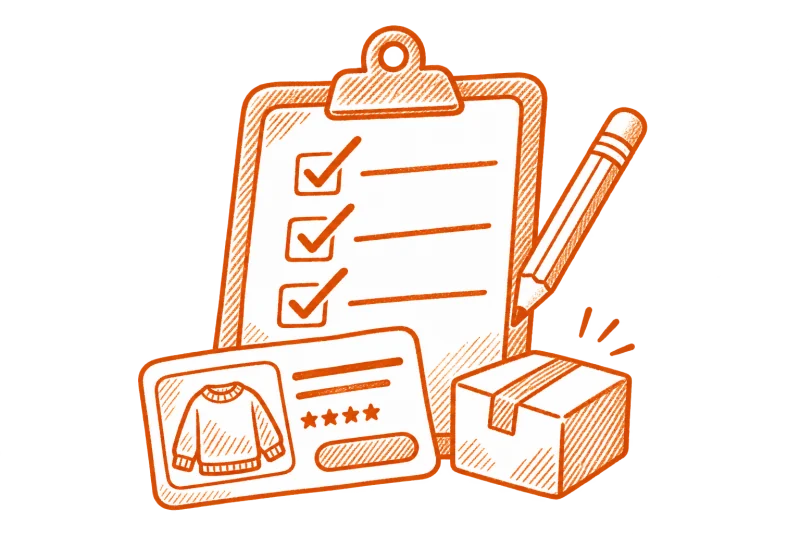
First order checklist
Set your region
Select your actual country or region in Taobao. Set up the app in English if it’s supported.
Choose your item
Use listing labels and search terms to find the right product. Check the variant, seller’s measurements and quantity before adding it to your cart.
Check payment
Review the payment methods and currency available for your order and address.
Review shipping
Check which delivery options the order shows. Read the final breakdown and possible charges before confirming.
Which buying option fits?
- Direct delivery
- Use it when Taobao checkout offers delivery for the item and your address.
- Official consolidation
- If offered, Taobao routes eligible items to a warehouse for onward shipping. Check what’s due at each stage.
- Buying agent
- An outside service can confirm specifications, buy on your behalf, or arrange shipping. Check its fees and terms first.